QTSC9, Quang Trung Software City, District 12, Ho Chi Minh City, Viet Nam





Build Custom ERP Software for Your Business in Vietnam
In this article, you’ll find a comprehensive overview of the complete process to build custom ERP software, including practical tips and common challenges to help your project succeed.
1. Why Choose Custom ERP Software Over Off-the-Shelf Solutions?
Custom ERP software lets businesses design systems tailored to their unique processes instead of adapting to generic features. This flexibility enhances efficiency, increases user adoption, and results in long-term cost savings. Key Benefits of Custom ERP Software:
- Deep Customization: Adapt modules, workflows, and features to your specific industry or operational style.
- Optimized User Experience: Interfaces and functionalities are designed with your staff in mind, improving usability and productivity.
- Seamless Integration: Connect effortlessly with existing tools such as CRM, DMS, eCommerce platforms, POS systems, and more.
- Long-Term Cost Efficiency: Avoid the expense and disruption of adjusting your operations to fit an off-the-shelf product.
Once the need for a tailored ERP system is established, understanding the development process is essential to achieving a smooth and effective implementation.
>>> Read more: Benefits of Choosing Odoo ERP for Sales Management
2. Step-by-Step Process for Building Custom ERP Software
A successful ERP implementation depends not only on technology but also on strategic planning and close collaboration between all stakeholders.
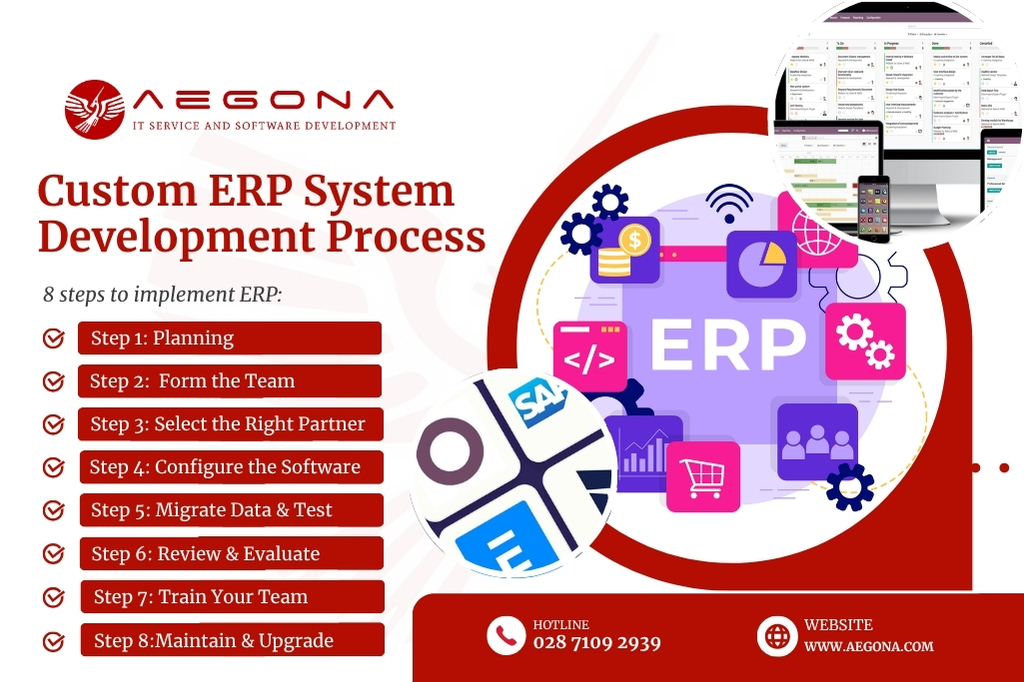
Below is an eight-step blueprint for building a custom ERP system.
Step 1: Comprehensive Project Planning
Thorough preparation is key to ensuring that every phase of your ERP deployment runs smoothly. Your plan should define:
- Project objectives and the specific challenges to address
- Budget estimates and resource allocation
- Project team size and roles
- Preferred ERP architecture (on-premise, cloud-based, or hybrid)
- Timeline and milestones
The more detailed your plan, the better you can manage resources, anticipate risks, and align expectations among all parties involved.
Step 2: Forming the Implementation Team
An effective ERP team typically includes:
- Executive leadership to provide strategic direction and decision-making
- Department heads to define requirements and validate processes
- Internal IT staff to manage infrastructure and data connectivity
- ERP vendor experts for technical implementation and customization
This core team ensures that your ERP accurately reflects business processes and acts as the bridge between your vendor and end-users.
Step 3: Choosing the Right ERP Development Partner
Selecting the right partner is critical to the success of your ERP project. Criteria for evaluation include:
- Industry-specific implementation experience
- Proven customization capabilities
- Post-implementation support and maintenance policies
- Client testimonials and references
- Ability to scale the solution for future needs
Vendor selection should be a joint decision between the implementation team and executive management to ensure alignment with both strategic goals and budget constraints.
Step 4: System Setup and Integration
Once contracts are signed, your ERP partner will:
- Deploy the ERP platform on the chosen infrastructure (physical servers or cloud)
- Configure modules according to your business workflows
- Set up user roles, permissions, and interface layouts
- Customize features as required by your operations
For complex, highly customized ERP projects, this phase can last from several months to over a year. Smaller companies may opt for modular ERP rollouts for faster, more cost-effective deployment.
Step 5: Data Migration and Testing
Legacy system data must be cleaned, standardized, and validated before importing into the new ERP system. This stage involves:
- Removing duplicates and outdated records
- Verifying data accuracy after migration
- Testing workflows and functionalities
- Logging and addressing errors
Thorough testing is essential to ensure the ERP operates flawlessly before it goes live.
Step 6: Acceptance and Quality Evaluation
After configuration and testing, the ERP system is reviewed based on:
- Alignment with all business requirements
- System stability, security, and scalability
- User-friendliness
- Integration performance
- Adherence to budget
If all acceptance criteria are met, the system is approved for official launch.
Step 7: User Training
Training is vital to maximize ERP adoption and efficiency. Training activities should include:
- Hands-on sessions for each department
- New process guidelines and documentation
- Detailed user manuals
- Internal support teams for post-launch assistance
Effective training minimizes errors and accelerates productivity gains after go-live.
Step 8: Operation, Maintenance, and Upgrades
To keep your ERP running at peak performance, post-implementation efforts should include:
- Regular maintenance schedules
- Software updates and security patches
- Workflow adjustments as the business evolves
- Adding new modules or integrations as needed
A well-maintained ERP system remains relevant and supports growth for years to come.
>>> See More: Understanding Odoo ERP Modules and How Customized Processes Work
3. Common Risks in Custom ERP Development and How to Mitigate Them
Developing a custom ERP system is a complex project that comes with several risk factors:
Human Resource Risks
- Challenge: Lack of skilled staff and resistance to change can hinder digital transformation.
- Solution: Build a dedicated change management team, conduct comprehensive training, and create clear growth paths for staff during the transition.
Technical Risks
- Challenge: Complex ERP systems may face integration difficulties and potential data security threats.
- Solution: Choose a flexible, integration-friendly ERP platform and work with experienced vendors who prioritize robust data security.
Financial Risks
- Challenge: High upfront costs can be a barrier, especially for SMEs.
- Solution: Implement ERP in phases, establish a detailed budget plan, and monitor ROI regularly to optimize investment.
Management Risks
- Challenge: Lack of executive involvement or poor project governance can derail implementation.
- Solution: Secure top-level leadership support, apply agile project management methods, and regularly review business processes for ERP alignment.
4. Cost and Timeline Expectations
Understanding the key factors that influence both the cost and timeline is crucial for successful planning and budgeting of your custom ERP project. Below, we break down what affects expenses and typical project durations to help you set realistic expectations.
Cost
There’s no fixed cost for developing custom ERP software, as it depends on:
- Company size and number of users
- Degree of customization
- System integrations (CRM, POS, HRM, etc.)
- Security requirements
- Deployment model (on-premise, cloud, hybrid)
Timeline
On average, ERP projects take between 3 and 12 months. Large-scale implementations with multiple modules and heavy data migration may require more time. Strong collaboration between your business and vendor is key to meeting deadlines.
5. How Aegona Delivers Custom ERP Solutions
Building a custom ERP requires deep business knowledge, technical expertise, and the ability to deliver tailored solutions. Aegona specializes in developing ERP systems designed around your specific requirements from analysis and design to development, integration, and long-term support.
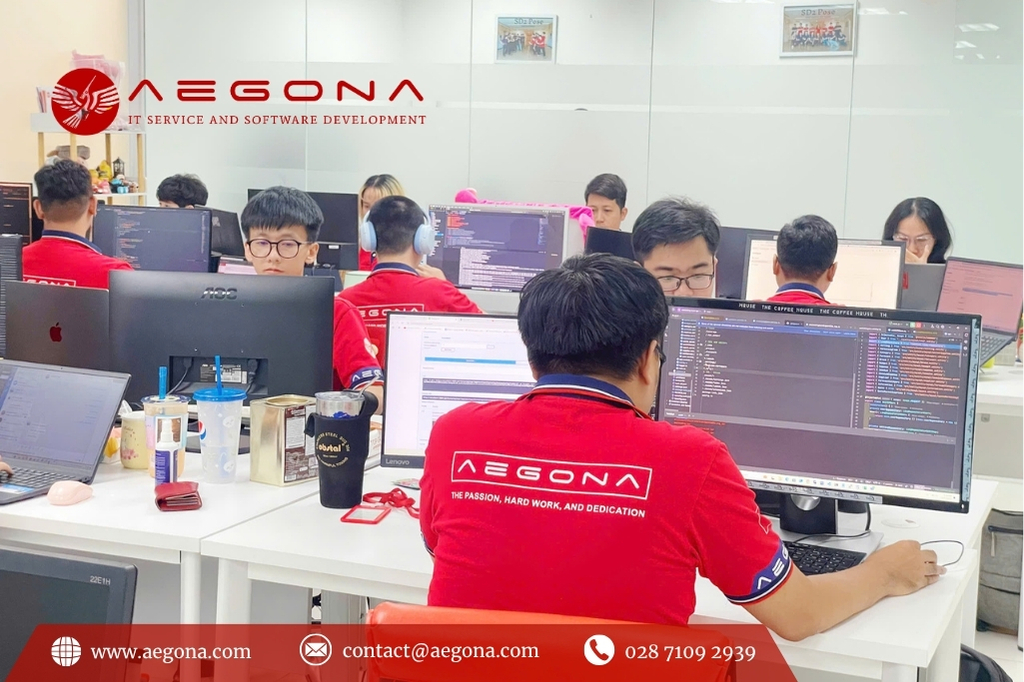
Our offerings include ERP solutions based on Odoo and Inventree, both flexible open-source platforms suitable for commercial and manufacturing enterprises. Whether you need a fully custom-built ERP or a modular upgrade, our team can guide you through every stage of the journey.
Learn More:
>>> Guide to Hiring ERP Developers Online in Vietnam
>>> Top 5 Enterprise Resource Planning (ERP) Software Solutions to Optimize Internal Processes
6. Frequently Asked Questions
Q1: How much does custom ERP software cost?
Costs vary depending on scope, customization, integrations, and deployment model. Contacting vendors for a tailored quote is the best approach.
Q2: How long does ERP implementation take?
Implementation typically spans 3–12 months, but complex projects may require more time.
Q3: Is cloud-based ERP better than on-premise?
Cloud-based ERP offers scalability and lower upfront costs, while on-premise ERP provides more control over security and customization.
Conclusion
Developing a custom ERP software solution is more than a technology upgrade—it’s a strategic initiative that reshapes how your business operates. With proper planning, the right development partner, and strong executive support, a tailored ERP system can enhance efficiency, reduce costs, and give your organization a competitive edge.
AEGONA LTD — IT SERVICE & SOFTWARE DEVELOPMENT
[E] [email protected]
[P] +84 28 7109 2939 (Mon–Fri, 8:00–17:00)
[M] +84 914 518 869 | +84 869 731 689
[W] www.aegona.vn
[A] Orbital Building (QTSC Building 9), Quang Trung Software City, Ho Chi Minh City, Vietnam
related post

Amid the vibrant working atmosphere at Aegona, this September and October will be more exciting than ever with the kickoff of the 2025 Internal Chess Tournament

As scheduled, the monthly internal event “Happy Hour” returned to Aegona’s office this September afternoon, bringing along a joyful atmosphere filled with connection, laughter, and positivity.
Discover the key software outsourcing trends in 2025, from AI, automation, hybrid outsourcing to workforce training. Understanding these trends helps businesses optimize costs and improve software quality.

On June 16, 2025, following a series of technical discussions and alignment on technology directions, Aegona and Biblia officially signed a strategic cooperation agreement to develop a comprehensive digital publishing platform that integrates both E-books and Audiobooks.
In the global software development market, outsourcing Node.js development in Vietnam has become one of the most strategic choices for startups, SMEs, and enterprises looking to optimize costs while maintaining top-notch quality.
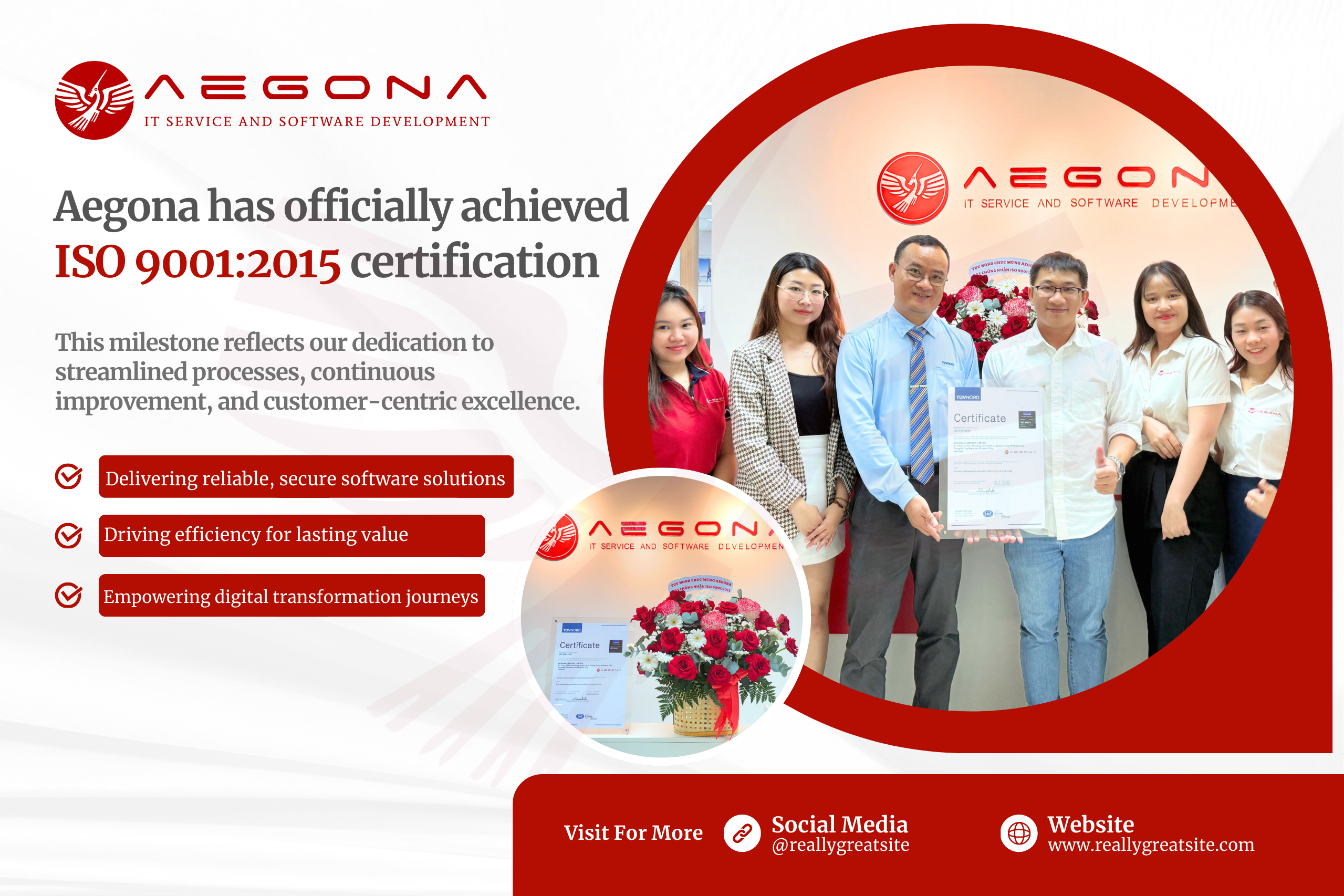
We are proud to announce that Aegona has officially achieved ISO 9001:2015 certification, an internationally recognized standard for quality management systems.
Outsourced IT staff offers a strategic alternative: you get skilled professionals exactly when you need them, without the overhead of permanent hires.
Discover the best open-source inventory systems like InvenTree. Learn key features, benefits, and tools to optimize warehouse and inventory operations.
Discover how Tender Management software streamlines bidding, boosts efficiency, and when to choose a custom-built solution.
Discover the benefits of hiring offshore PHP developers in Vietnam and explore a step-by-step process to build a skilled, cost-effective development team.
Discover the key benefits and features of real estate app development in Vietnam for businesses aiming to grow in the digital property market.
Custom FinTech app development for banking, insurance, payments & more. Secure, scalable, and tailored to your business.
Odoo POS software is becoming an effective alternative to traditional POS systems thanks to its flexible integration capabilities and reasonable cost. Using sales management software plays an essential role in optimizing business operations. This article will help you compare Odoo software and traditional POS systems to find the most suitable option for your business.
the trends, AEGONA highlights 5 IT outsourcing trends expected to accelerate by the end of 2025 — and based on those, suggests four updated business strategies to help Vietnamese firms stay ahead of the game.