Pioneering -
Innovative -
Creative


QTSC9, Quang Trung Software City, Trung My Tay Ward, Ho Chi Minh City, Vietnam


What Is Wix? A Step-by-Step Guide to Building a Website Without Coding
Want to build a website for your business, start a blog, or sell products online but have little to no coding experience? Wix is a user-friendly website builder that lets you create a professional-looking website with simple drag-and-drop tools. In this guide, we’ll explore what Wix is, its advantages and limitations, and how to build a website with Wix without writing code.
What is Wix?
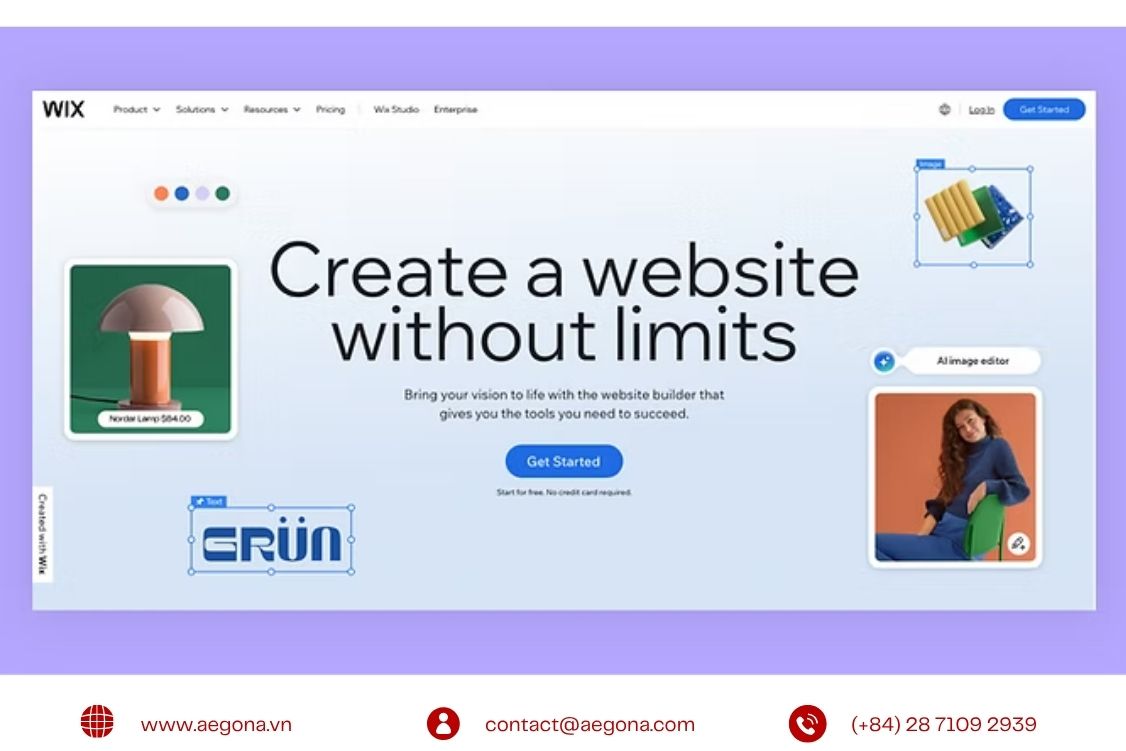
Wix (Wix.com) is a cloud-based website builder that allows users to design, manage, and publish websites through a visual interface. Its drag-and-drop editor makes it easy to customize page layouts, add content, and arrange website elements without having to write code.
Unlike self-hosted content management systems (CMS) such as WordPress, which may require users to arrange their own hosting and configure certain technical components, Wix offers an all-in-one platform with integrated hosting, website templates, security features, and management tools. Domain registration and some advanced features may require additional purchases or a paid plan.
With its straightforward interface and built-in tools, Wix is a practical option for individuals and businesses looking to establish an online presence without investing heavily in development resources.
Key features of Wix
Wix offers a range of features that support website design, content management, and business operations.
- Wix Editor: Customize text, images, videos, buttons, layouts, and visual elements directly through a drag-and-drop interface.
- AI Website Creation: Use AI-powered tools to generate an initial website based on your business goals and preferences, reducing the time needed to get started.
- Website Templates: Choose from a wide selection of templates for business websites, online stores, blogs, portfolios, and other use cases.
- Wix App Market: Extend your website with apps and integrations for live chat, booking forms, customer reviews, and other business functions.
- SEO Tools: Configure page titles, meta descriptions, image alt text, and other SEO settings to help search engines understand your website.
- E-commerce Capabilities: Manage products, orders, inventory, and supported payment methods through Wix's online store features.
For projects that require more advanced functionality, Wix also provides developer tools such as Velo and Wix APIs. These tools allow developers to build custom features, work with data, and connect websites to external systems.
>>>Related article: Top 5 Best E-Commerce Development Companies for Businesses
Advantages and limitations of Wix
Before choosing Wix for your website, it is worth considering both its benefits and its limitations.
Category | Advantages | Limitations |
Ease of use | The drag-and-drop editor requires little to no coding knowledge. | Complex business logic and advanced customizations may require development expertise. |
Development time | Templates and built-in tools help accelerate website creation. | Switching to a different template after building a site can require substantial rebuilding. |
Initial cost | A free plan is available for basic website creation. | Free websites have limitations, including Wix branding and a Wix subdomain. Paid plans may increase the overall cost. |
Hosting and infrastructure | Hosting and many essential infrastructure features are managed by Wix. | Performance can be affected by page complexity, third-party apps, and excessive visual effects. Some advanced technical requirements may be difficult to accommodate. |
How to build a website with Wix without coding
You can create and publish a website with Wix in six basic steps.
Step 1: Create a Wix Account
Visit Wix.com and sign up for an account. Once registered, you can start creating a new website and choose the tools that best suit your needs.
Step 2: Choose a Website Creation Method
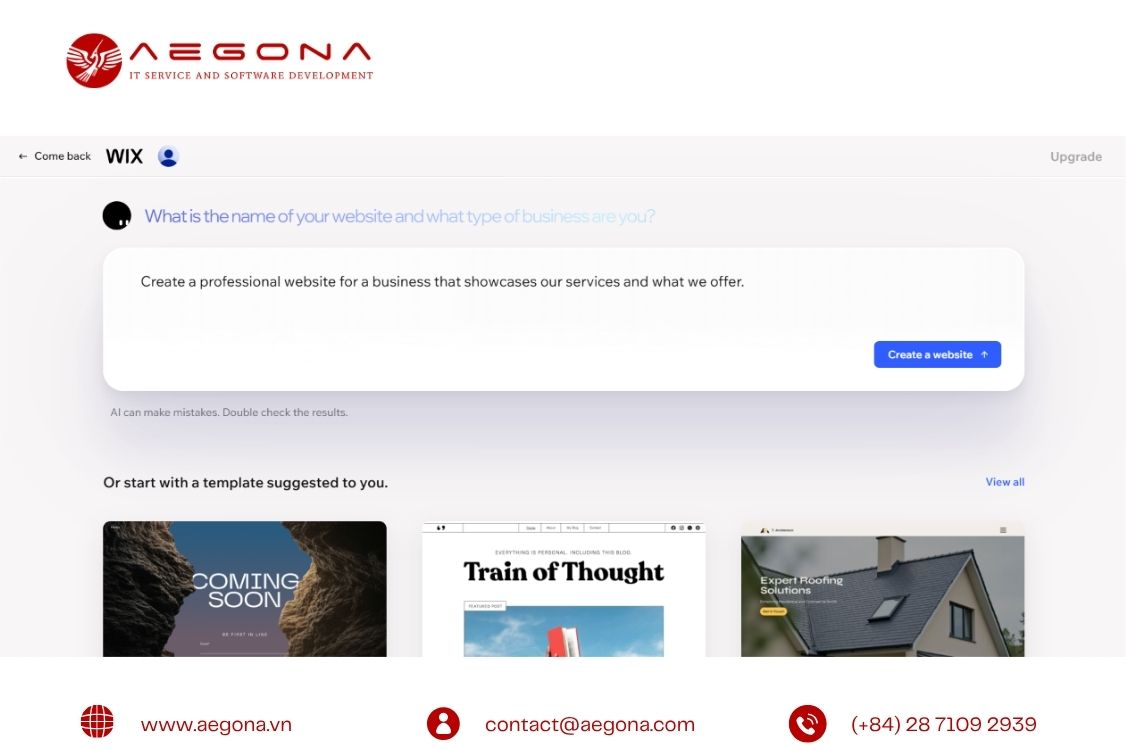
Wix offers AI-assisted website creation and template-based design.
- AI website creation: Answer questions about your business, website goals, and preferred style. Wix uses this information to generate an initial website structure.
- Wix Editor: Choose a pre-designed template and customize the layout, content, and visual elements yourself.
The AI option is useful for getting started quickly, while the editor offers more direct control over the design process.
Step 3: Select a Suitable Template
Browse templates based on your industry and website goals, such as business websites, online stores, blogs, or portfolios.
Choose a layout that fits your brand identity and content requirements. Starting with a suitable template can reduce the amount of customization needed later.
Step 4: Customize the Design and Content
Replace the default text, images, and logo with your own brand assets. Adjust colors, typography, page layouts, and navigation menus to create a consistent user experience.
You can also add new pages and install apps through the Wix App Market to introduce features such as contact forms, booking tools, or live chat.
Review the mobile version of your website and adjust the layout to ensure that content remains readable and navigation works well on smaller screens.
Step 5: Configure SEO Settings and Your Domain
Open the SEO tools to configure essential elements for each page, including:
- SEO titles and meta descriptions.
- Search-friendly URL slugs.
- Image alt text.
- Internal links and page structure.
If you want to use a custom domain, such as yourbusiness.com, check the relevant Wix plan requirements and connect your domain through the available settings.
Step 6: Preview and Publish Your Website
Before publishing, test your website on desktop and mobile devices. Check navigation links, contact forms, loading performance, and any e-commerce functions you have enabled.
Once everything is ready, click Publish to make your website available online. Continue monitoring its performance and updating content as your business evolves.
Things to consider when designing a Wix website
Although Wix simplifies website creation, a successful website still requires careful planning.
- Choose your template carefully: Your initial template influences the website's structure and design. Switching templates later may require significant rebuilding, so consider your long-term requirements before making a choice.
- Avoid excessive visual effects: Large images, unnecessary animations, and too many third-party apps can affect loading performance. Optimize media files and keep page layouts focused on usability.
- Consider the long-term cost: Evaluate subscription fees, domain costs, premium apps, and potential development expenses. Compare the total cost of ownership with other platforms based on your business requirements.
- Plan your URL structure: Organize pages and URLs around your content hierarchy and target keywords. While Wix supports many SEO settings, some specialized technical requirements may need additional assessment.
- Prepare for future integrations: If your business expects to connect its website with CRM, ERP, payment systems, or other applications, check the available APIs and integration options early in the project.
Who should use Wix?
Wix is suitable for individuals and businesses that want to establish an online presence quickly without managing a complex technical setup.
- Individuals and freelancers: Build personal portfolios, professional profiles, and blogs.
- Small businesses and startups: Create company websites to introduce products, services, and business information.
- Online retailers: Launch online stores using supported e-commerce features.
- Service-based businesses: Build websites with booking forms, inquiry forms, and customer contact tools.
- Businesses with growing technical needs: Extend website functionality through available developer tools, APIs, and compatible integrations when the platform meets their requirements.
However, medium-sized and large businesses with complex workflows, extensive ERP or CRM integrations, specialized data processing, or highly customized functionality should assess their technical requirements carefully. A custom-developed website or another suitable platform may provide greater flexibility for these use cases.
Professional website development services at Aegona
As a business grows, a basic website may no longer be sufficient to support its operational processes, data synchronization, or customer experience requirements.
Aegona provides website development services and custom software development solutions designed around business needs, with a focus on custom functionality, system integration, and intelligent automation.
Custom website development
Every business has different workflows and customer requirements. Aegona develops tailored website interfaces and functionality based on project objectives, operational processes, and future scalability needs.
Rather than relying entirely on standard templates, custom website development allows businesses to build digital experiences that better align with their brand and business model.
API integration and system connectivity
Aegona helps businesses connect websites with CRM, ERP, HRM, POS, payment gateways, and other third-party applications through suitable APIs and integration methods.
These integrations can reduce manual data entry, improve data consistency, and streamline processes across business systems.
Custom features and workflow automation
When standard website functionality is insufficient, custom development can introduce specialized forms, data processing logic, business rules, and automated workflows.
For Wix projects, the implementation approach depends on the platform's APIs, available permissions, and technical limitations. Other website architectures may be more suitable when requirements demand deeper control over the underlying system.
AI integration for smarter digital experiences
AI can help businesses improve customer interactions and automate selected tasks. Depending on the use case, Aegona can develop or integrate solutions such as AI chatbots, intelligent information retrieval, personalized product recommendations, and automated data processing.
The right approach depends on business objectives, data availability, security requirements, and compatibility with existing systems.
Whether you need a business website, custom functionality, API integration, or AI-powered features, Aegona can help you evaluate the requirements and identify an appropriate development approach.
Contact Aegona to discuss your professional website development needs and explore a solution tailored to your business.
FAQ – Frequently asked questions about Wix
1. Is Wix free to use?
Wix offers a free plan with certain limitations. Using a custom domain and accessing some advanced features may require a paid subscription. Review the current plans to determine which option fits your needs.
2. Do I need coding skills to build a Wix website?
No. You can create a website using Wix's visual editor, templates, and AI-assisted tools without writing code. However, advanced customization and integrations may require programming expertise.
3. Can Wix websites be optimized for SEO?
Yes. Wix provides tools for configuring page titles, meta descriptions, URLs, sitemaps, and other SEO settings. Actual search performance depends on content quality, site structure, technical performance, and the overall SEO strategy.
4. Does Wix support API integration?
Yes. Wix provides APIs and developer tools for working with platform features and connecting to external services. The available integration options depend on the specific API, authentication requirements, and business use case.
5. Can AI be integrated into a Wix website?
Yes. AI functionality may be added through built-in tools, compatible apps, or external services. Before implementation, assess data access, security, API compatibility, and ongoing operating costs.
6. When should a business hire a professional website development company?
Professional development may be beneficial when a business needs a custom design, specialized features, integrations across multiple systems, workflow automation, or a website architecture built for long-term growth.
Conclusion
Wix is a practical choice for building a website quickly without coding, especially for individuals and businesses with straightforward requirements. When a project calls for advanced customization, API integration, AI capabilities, or more complex business workflows, it is important to assess the platform's limitations and choose a development approach that supports long-term growth.
Contact us for today:
AEGONA LTD – IT Service & Software Development
[E] [email protected]
[P] 028 7109 2939 (08:00 – 17:00, Mon – Fri)
[M] 0914 518 869 | 0869 731 689
[W] www.aegona.vn | www.aegona.com
[Zalo] https://bit.ly/41UeXrx
[HQ-Lab1] Orbital Building (QTSC Building 9), Quang Trung Software City, Ho Chi Minh City, Vietnam
[Lab 2] QTSC 1 Building, Quang Trung Software City, Ho Chi Minh City, Vietnam
related post
Learn how to integrate Google Pay, Apple Pay, and payment gateways into your website. Explore payment API integration, security, and online payment solutions with Aegona.
Discover Odoo Manufacturing for automotive, electronics, food, furniture, and textile industries. Aegona customizes Odoo to fit your production workflows.

Discover TourFlow, tour management software for travel agencies to organize customer data, manage tour products and departures, and track bookings.
OpenAI Ads brings a new advertising opportunity to ChatGPT. Explore how ChatGPT Ads work and what businesses should know about advertising in the AI era.
Shopify website design and development tailored to your business, with custom themes, integrations, features, and maintenance.
AEO vs OpenAI Ads: discover the difference between AI Search optimization and ChatGPT advertising, and what businesses should consider in the AI era.

Custom PoC/MVP development services by Aegona to validate software ideas, reduce development risks, and build scalable solutions for your business.
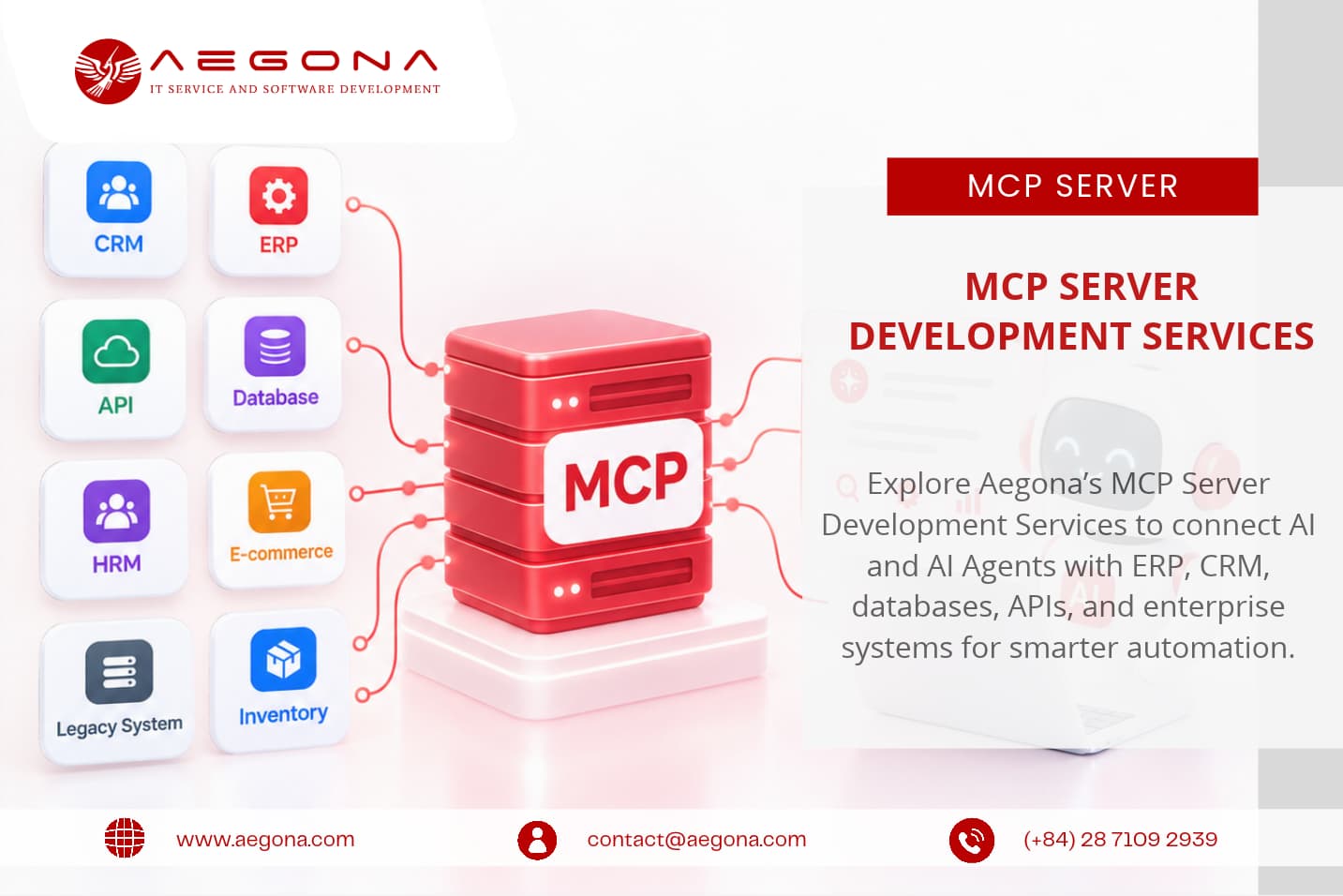
Explore Aegona’s MCP Server Development Services to connect AI and AI Agents with ERP, CRM, databases, APIs, and enterprise systems for smarter automation.
Scale your development team with Aegona’s Staff Augmentation Services. Hire skilled Java, PHP, Fullstack Developers in Vietnam for your projects.
AEGONA provides Odoo ODC services with flexible models, including Dedicated Odoo Developer, Dedicated Odoo Team, and Full Odoo ODC.
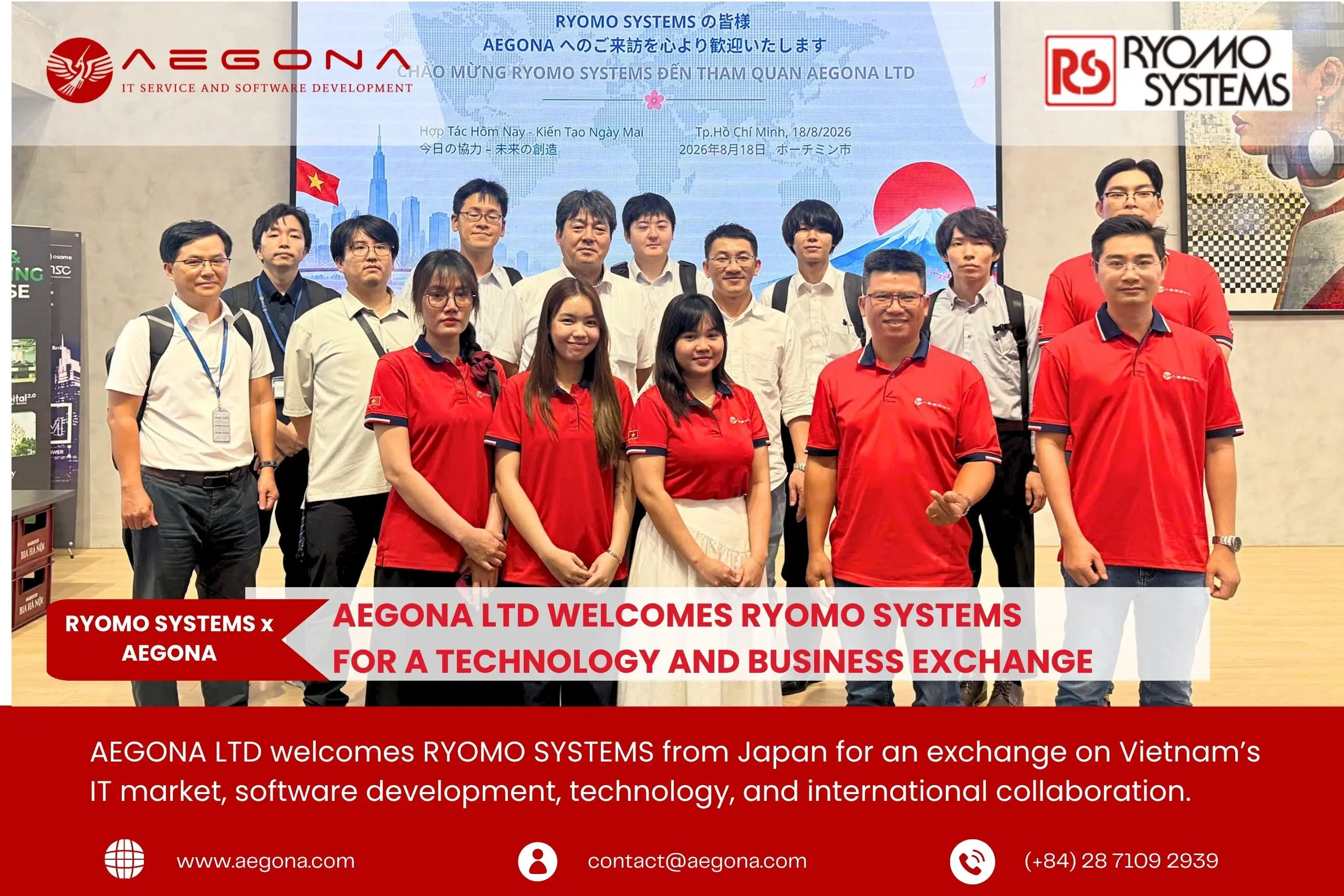
AEGONA welcomes RYOMO SYSTEMS from Japan for an exchange on Vietnam’s IT market, software development, technology, and international collaboration.
AI-powered legacy application modernization services in Vietnam. Aegona helps businesses refactor, migrate, and modernize legacy systems faster.